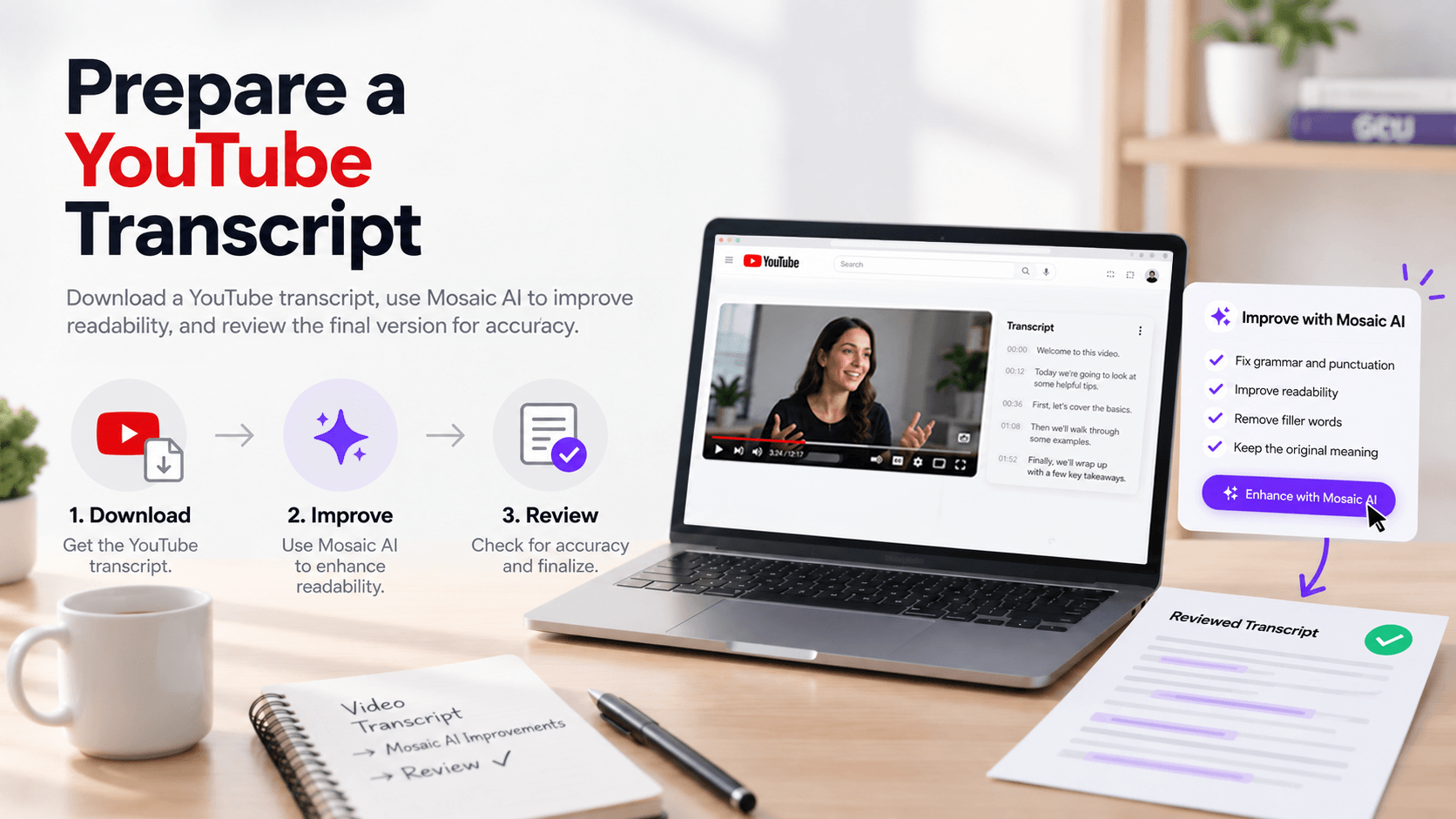
YouTube provides downloadable .txt transcripts for videos with available captions. These files contain the video's spoken content as plain text, but they may still require cleanup for punctuation, paragraph structure, terminology, and other transcription errors. The example YouTube transcript provided already contains continuous transcript text without caption numbering or timestamps.
Use the steps below to download the transcript, prepare it in Mosaic, and complete a final accuracy review.
Download the Transcript from YouTube
- Sign in to your YouTube account.
- Open Content.
- Select the video you want to work with.
- Open the video's details.
- Select Subtitles.
- Open the options menu for the caption file.
- Select Download Subtitles
- Save the file somewhere you can easily locate it before moving into Mosaic.
Prepare the Transcript in Mosaic
Open Mosaic and upload the downloaded .txt transcript.
Use Mosaic to improve the readability of the transcript while preserving what was originally communicated in the video.
Suggested Prompt
Clean up the attached video transcript for readability. Preserve the original spoken content and meaning while correcting punctuation, capitalization, paragraph breaks, and obvious transcription errors. Do not summarize or rewrite the content.
Review the Transcript for Accuracy
After Mosaic has cleaned up the transcript, compare the updated version with the original video.
Pay particular attention to:
- Names and proper nouns
- Course or program terminology
- Acronyms
- Numbers and dates
- Technical or discipline-specific terminology
Correct any remaining transcription errors so the final transcript accurately reflects the video's spoken content.
Save the Completed Transcript
Once the transcript has been reviewed for accuracy and readability, save the completed version for its intended use.